
Invoicing
Send invoices and keep every balance in view
Create invoices, collect payments, and keep every balance in view.
We value your privacy. Learn more.
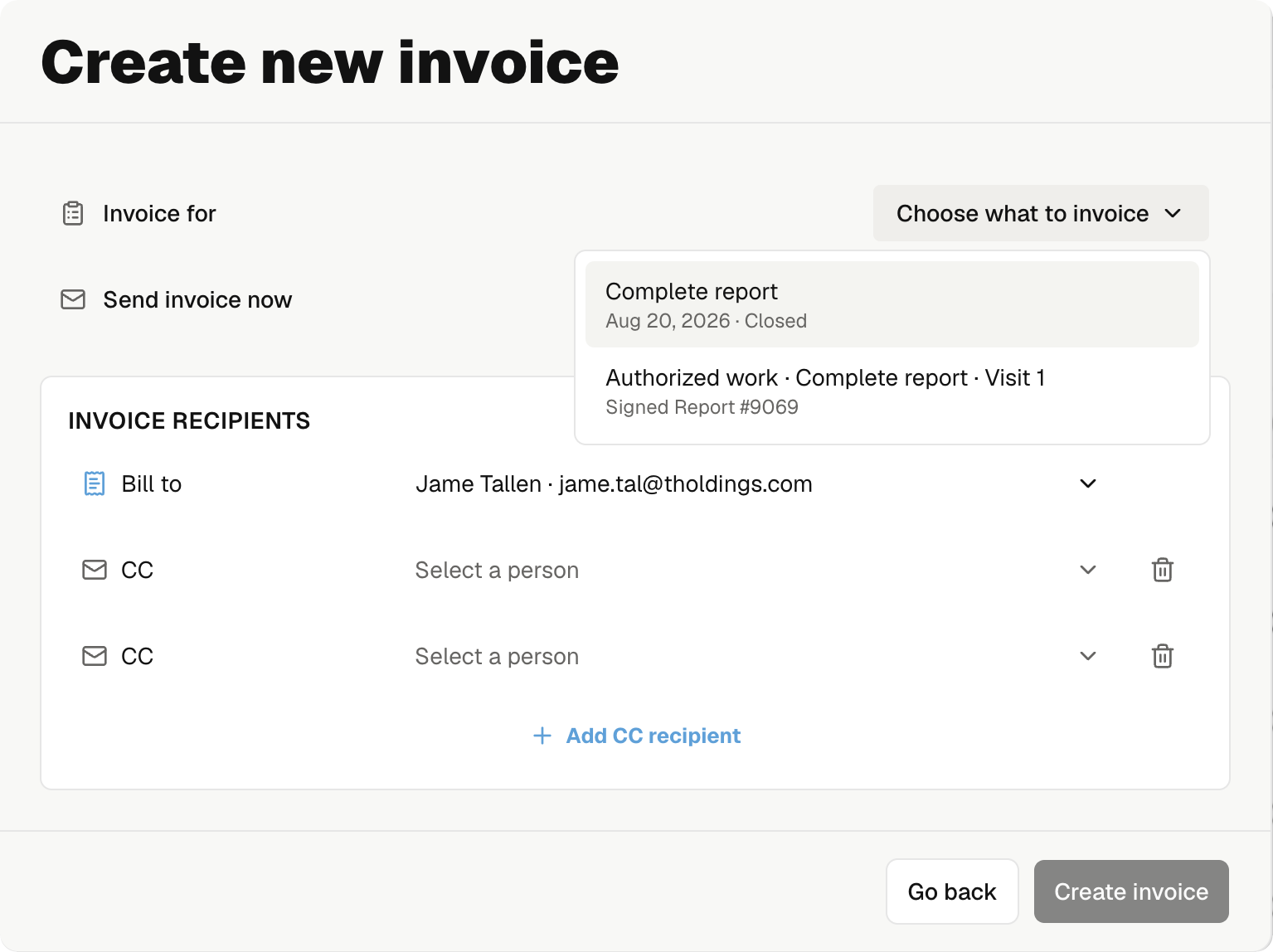
Multi-stage invoicing
Handle complex jobs with multiple invoices.
Send each invoice when the work is ready. Keep every payment and open balance tied to the same job.
Invoice each stage when it is ready
Bill the inspection, repairs, or later visits separately without splitting the job.
Choose exactly what to bill
Pick the work for this invoice and leave the rest ready for the next stage.
Know what is still due
See every invoice, payment status, and open balance on the same job.
Send it. Get paid. Move on.
Send invoices from the office or field, follow up on unpaid bills, and hold the report until payment arrives.
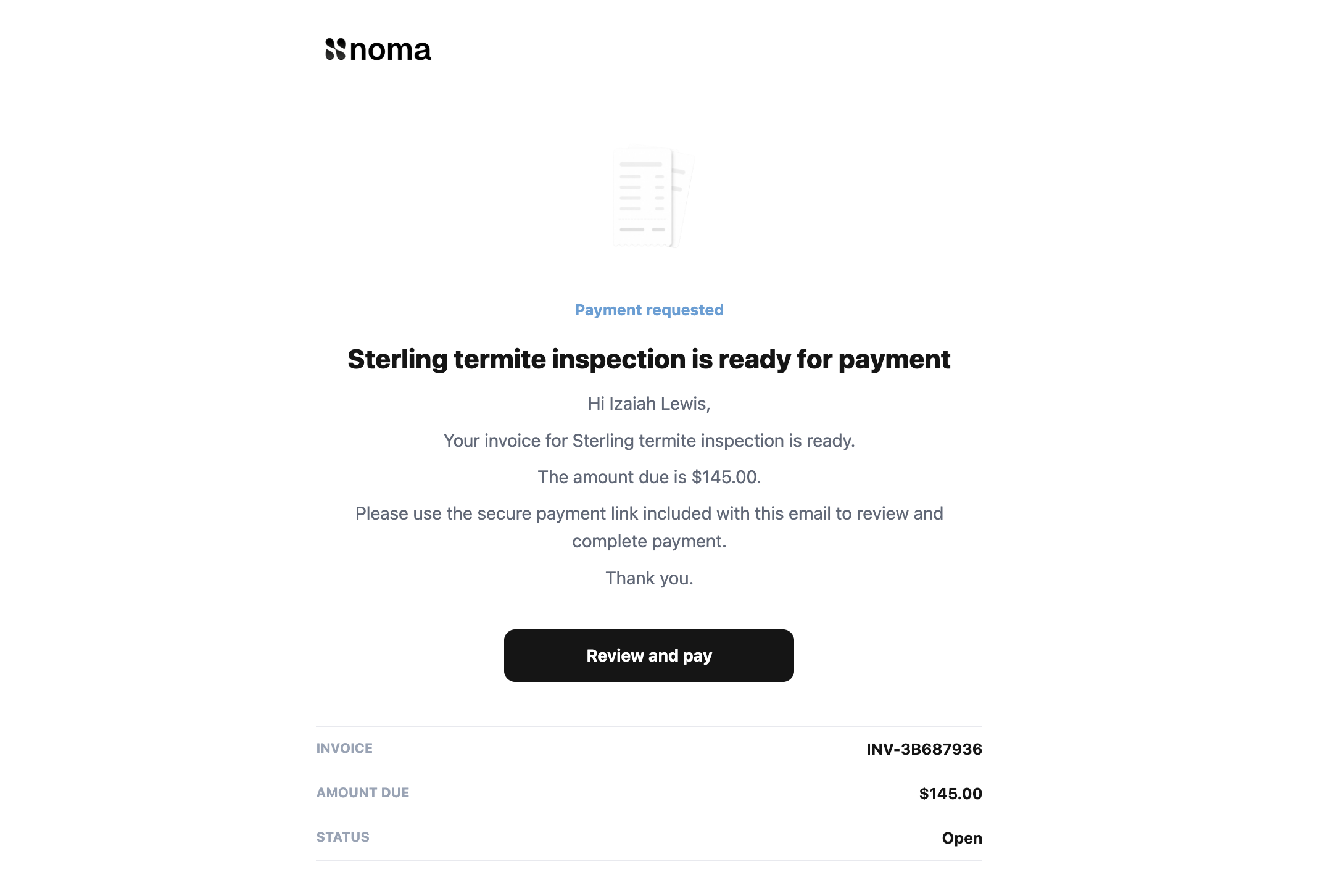
The invoice email is ready for you
Noma sends a clear email with the total, invoice number, and secure payment link. You do not have to write it by hand.
Create the invoice. Make it easy to pay.
Invoice creation
Build the invoice from the job
Add the service, repairs, or custom charges, then choose who should pay. The total stays tied to the job.

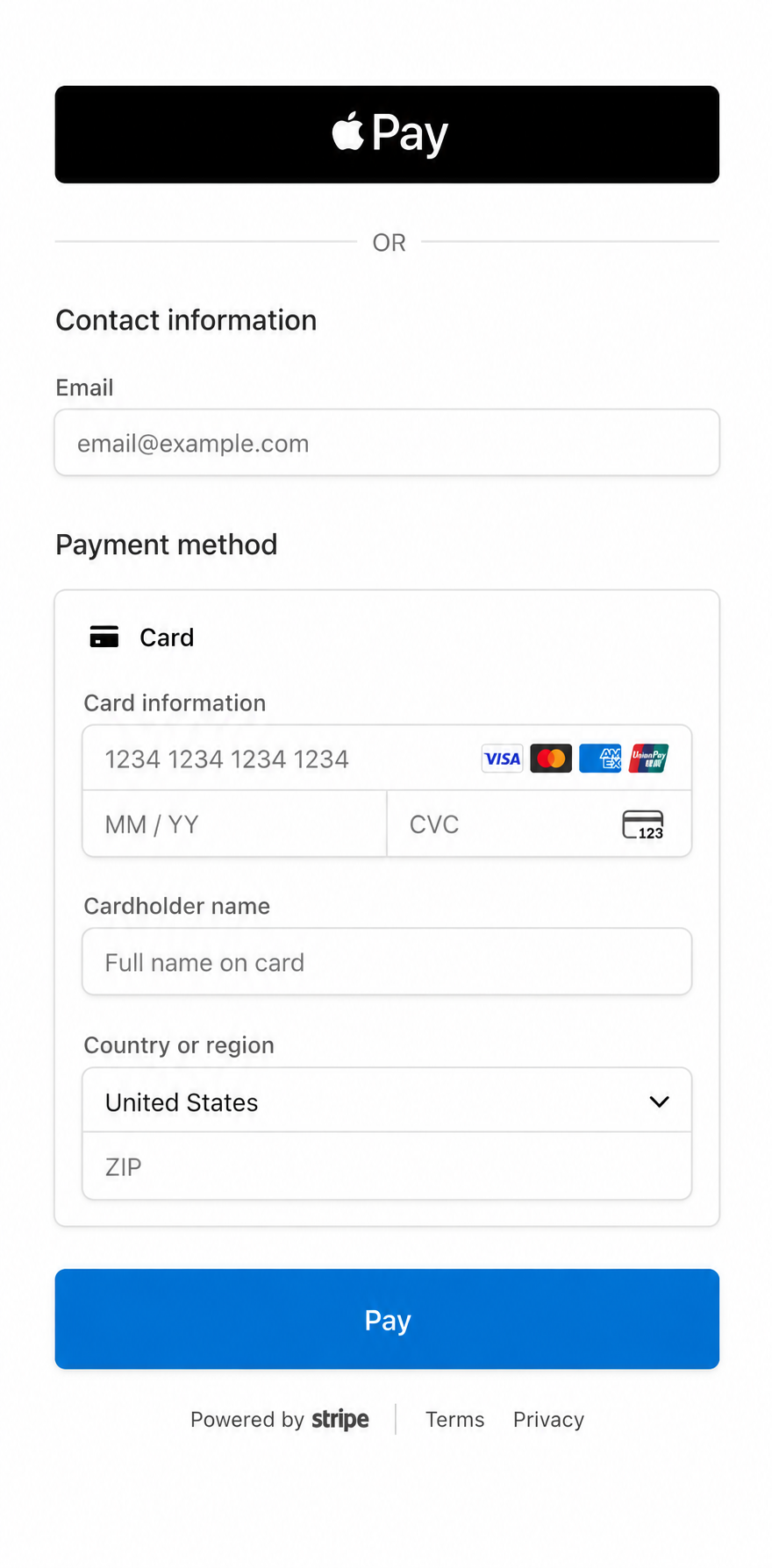
Secure Stripe checkout
Give clients a safe way to pay
Clients can use Apple Pay or a card on a secure Stripe page. Noma records the payment and updates the balance.
Everything you need to invoice and get paid
Build invoices from the job, collect payment online or offline, and see what is still due.
Card payments
ACH payments
Multi-stage invoicing
Flexible invoice recipients
Services and add-ons
Payment reminders
Secure payment links
Custom line items
Open balance tracking
Record outside payments
Mobile invoicing
Lock reports until paid

Get paid without chasing paperwork
Create invoices from the job, collect secure online payments, and keep every balance in view.
Get startedExplore Noma features related to invoicing



Frequentlyaskedquestions