
Booking & scheduling
Make every booking simple from the first click
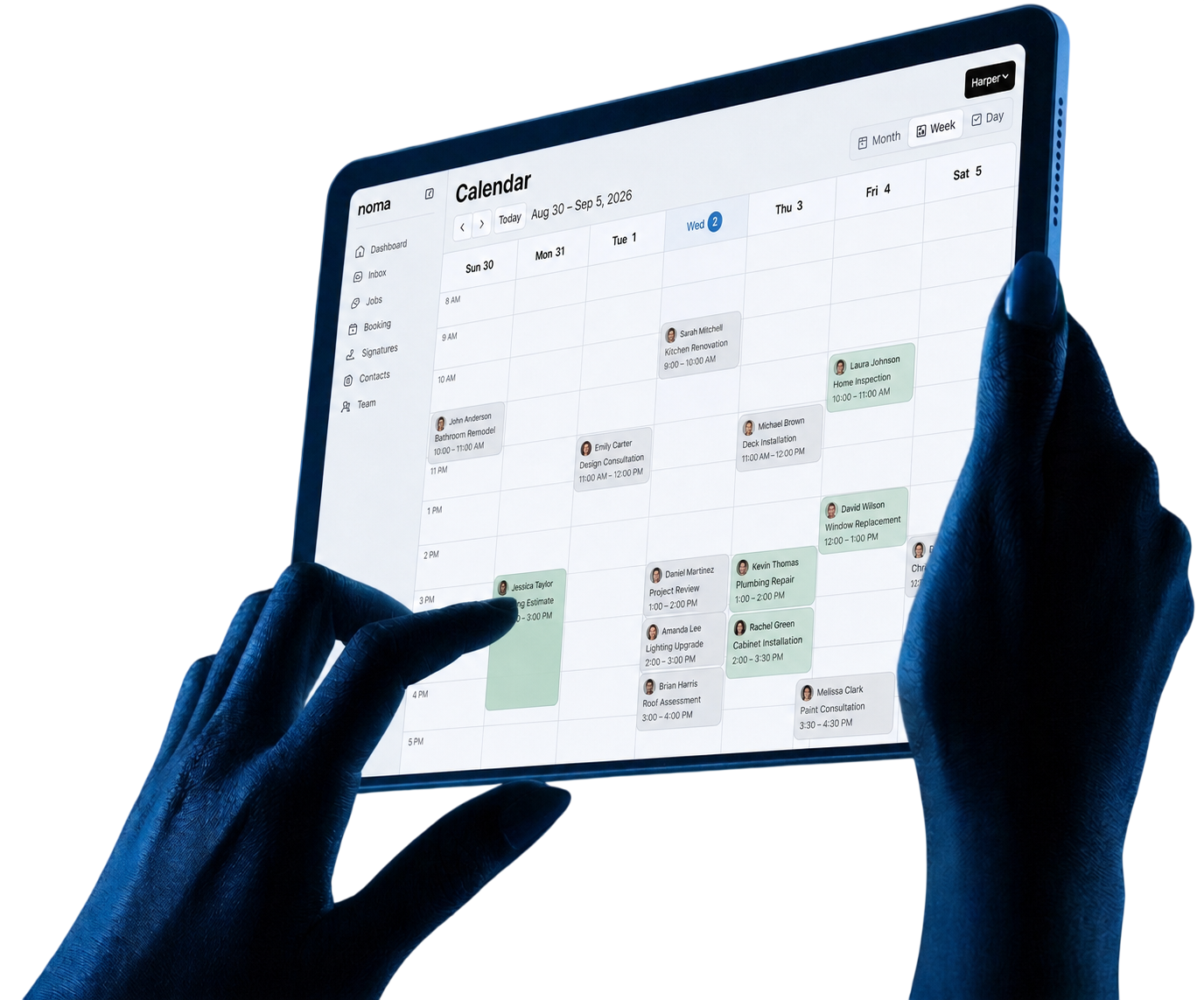
Let clients book online while your calendar stays up to date.
We value your privacy. Learn more.
Booking and scheduling
More booked jobs.
Less scheduling work.
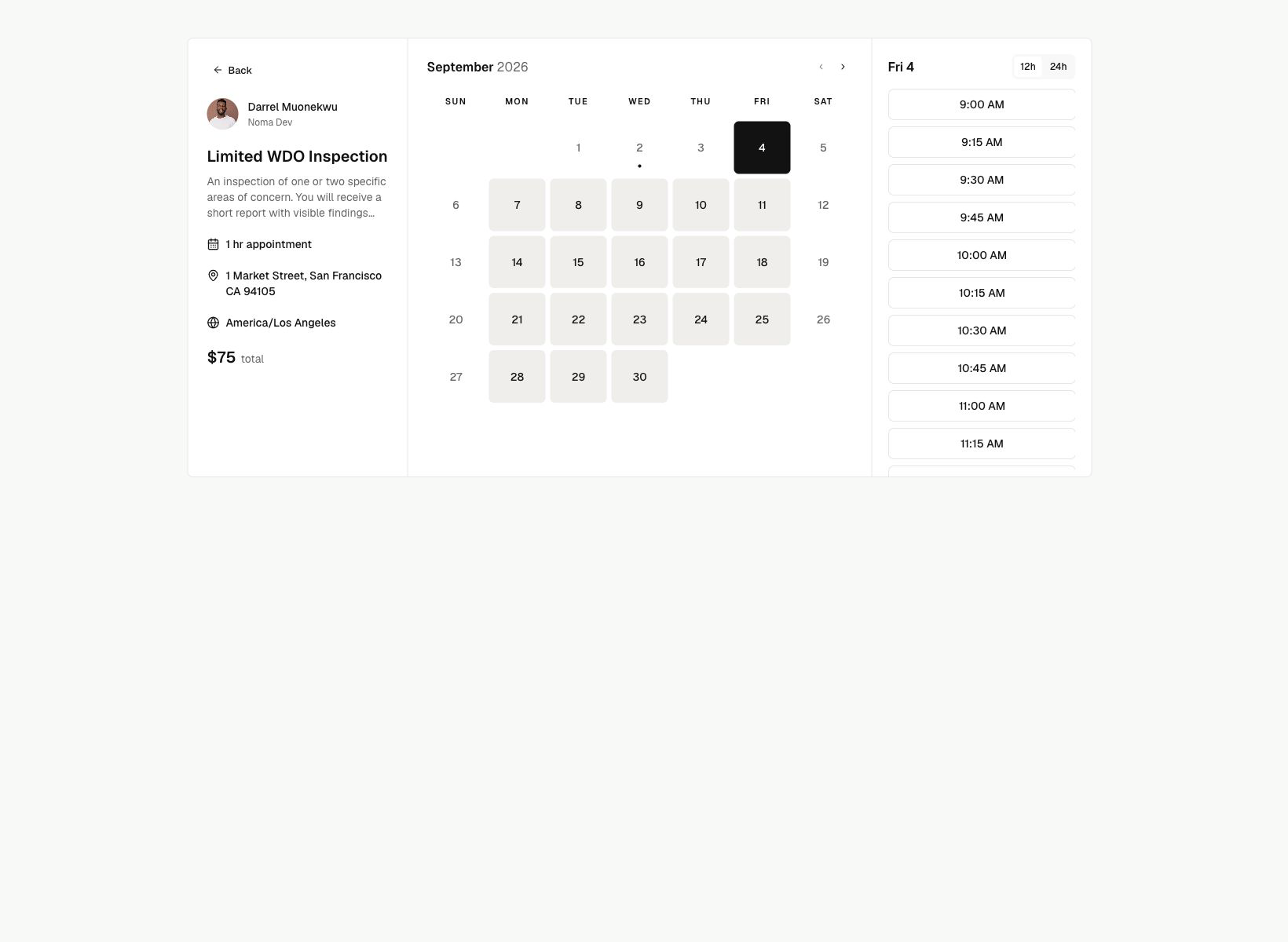
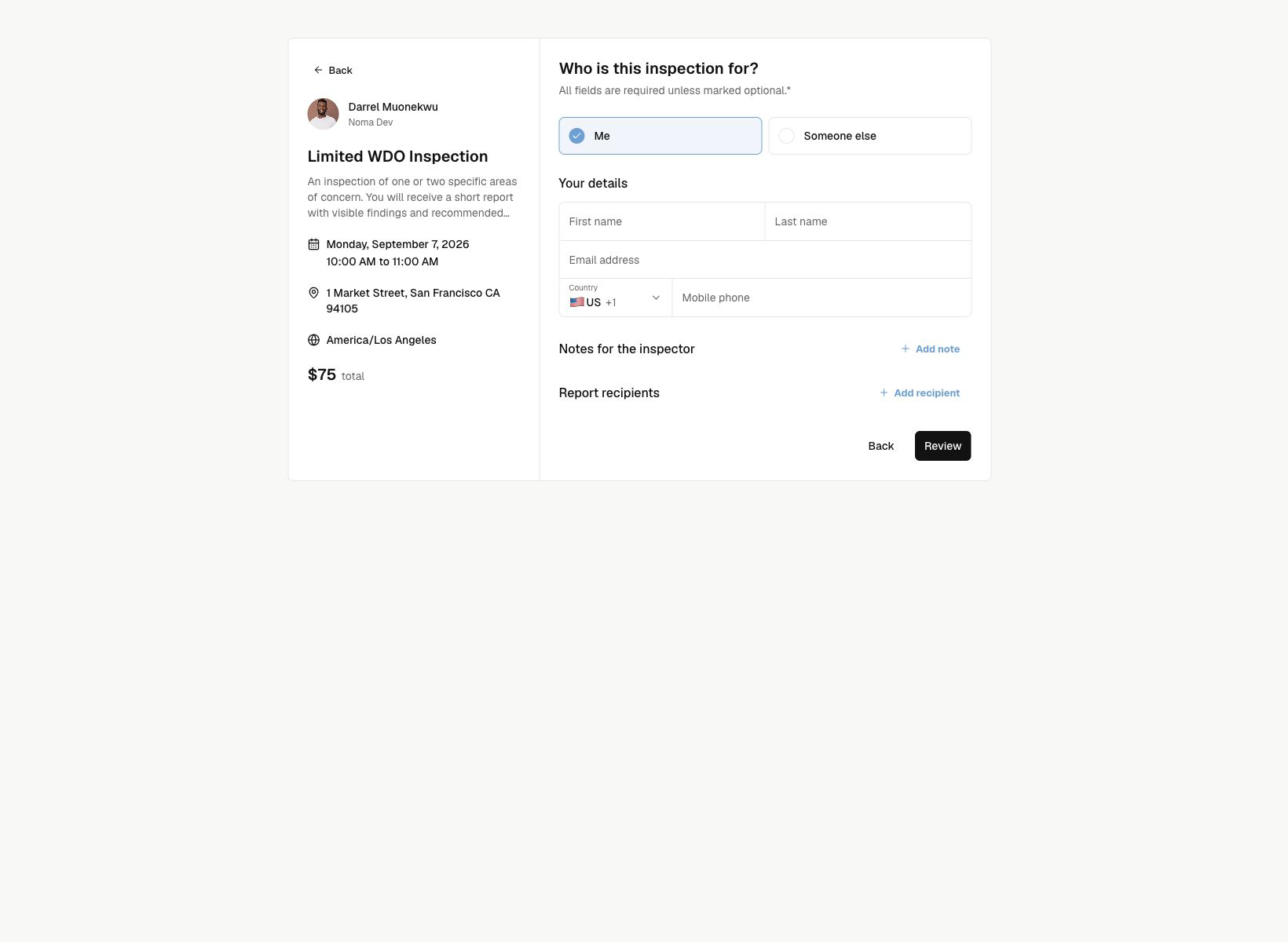
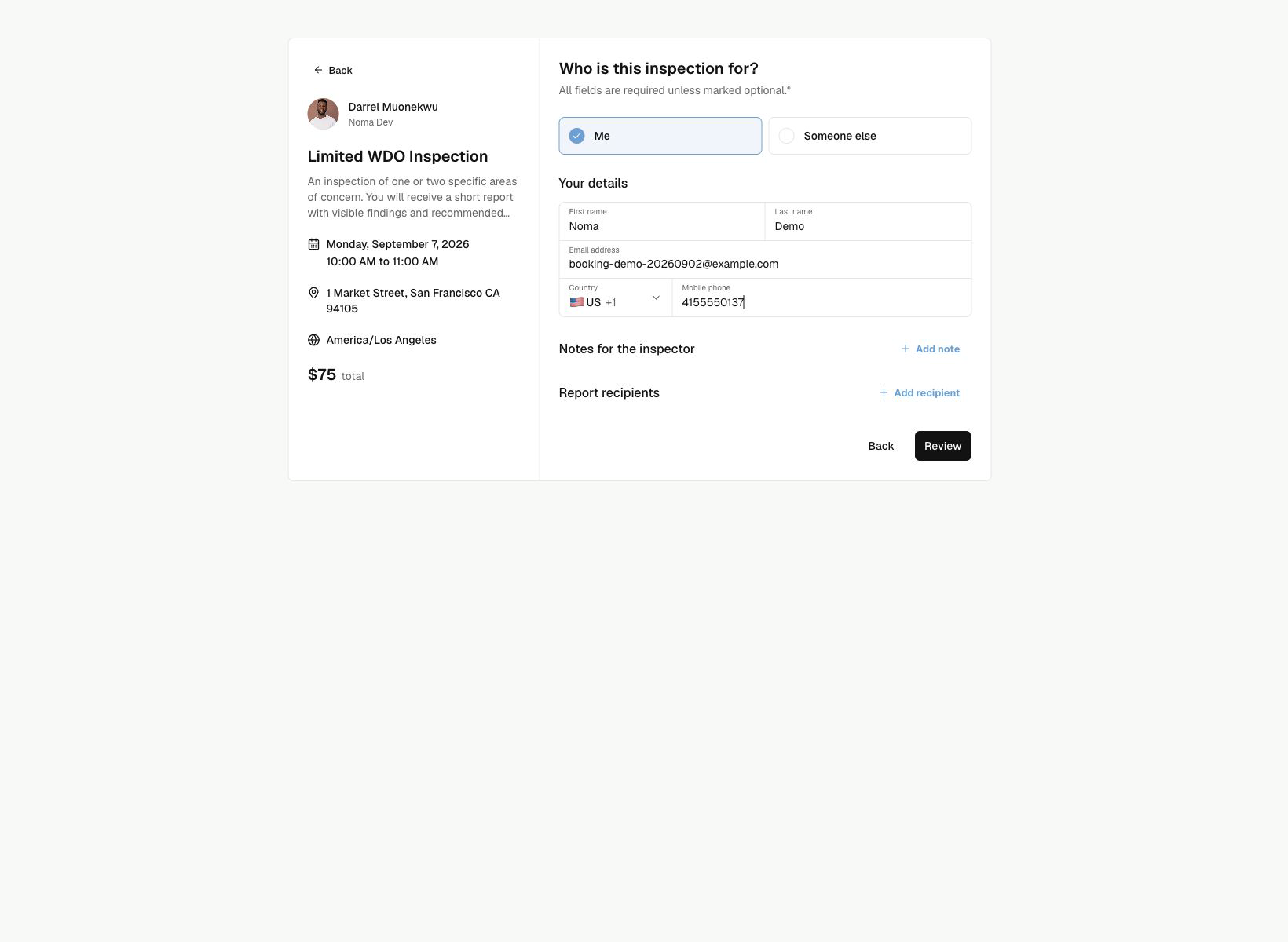
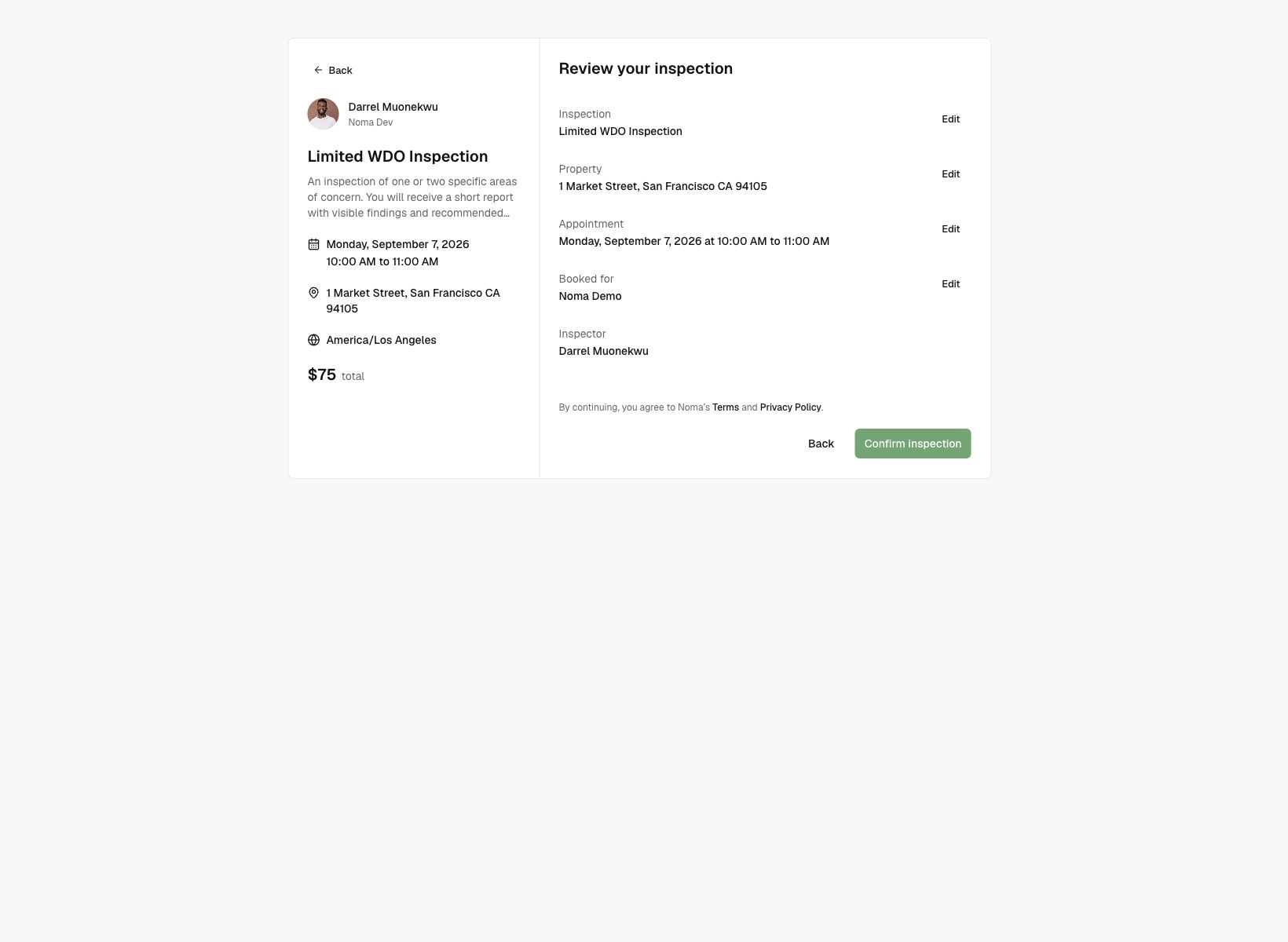
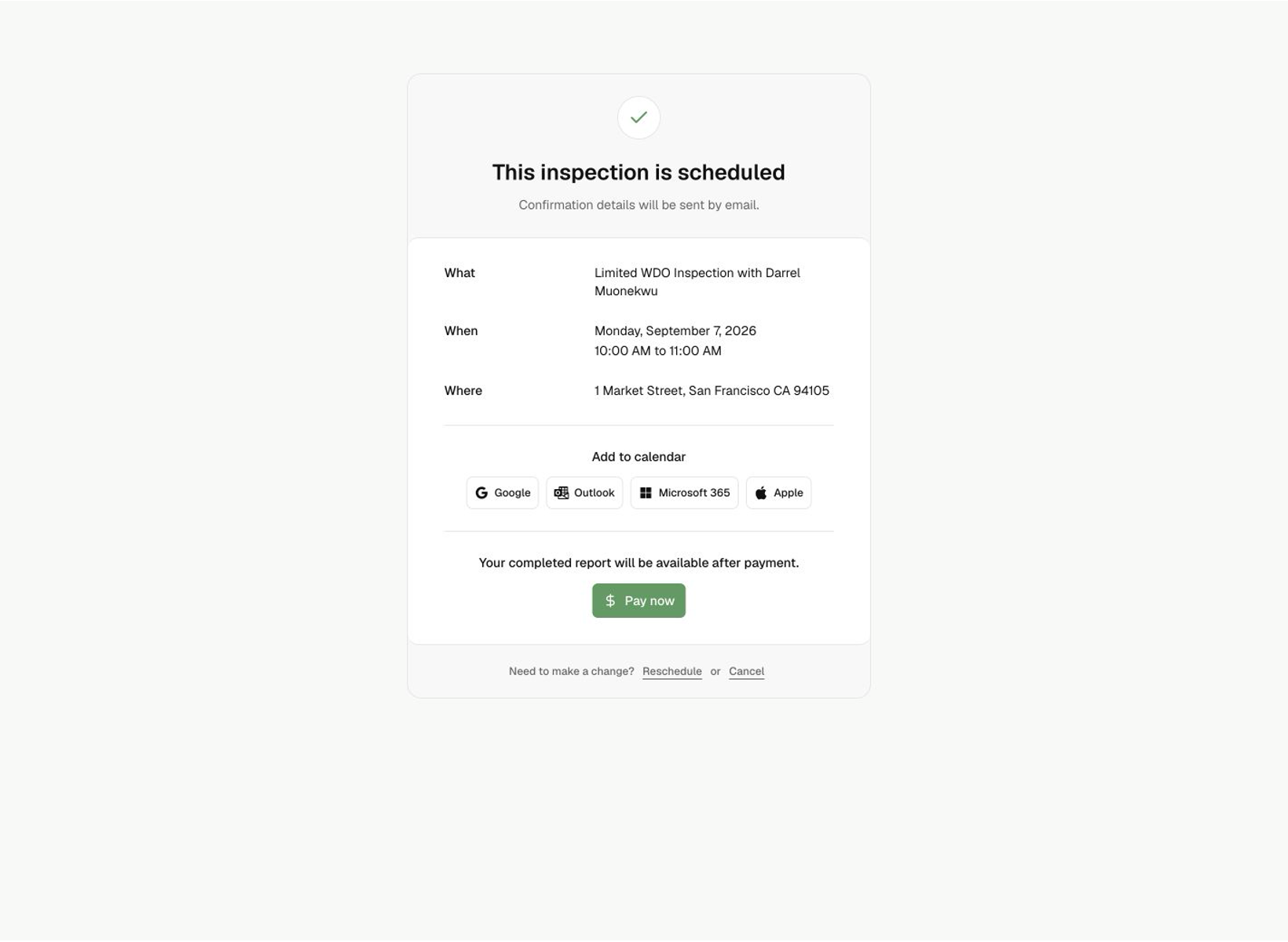
Let clients book in one place
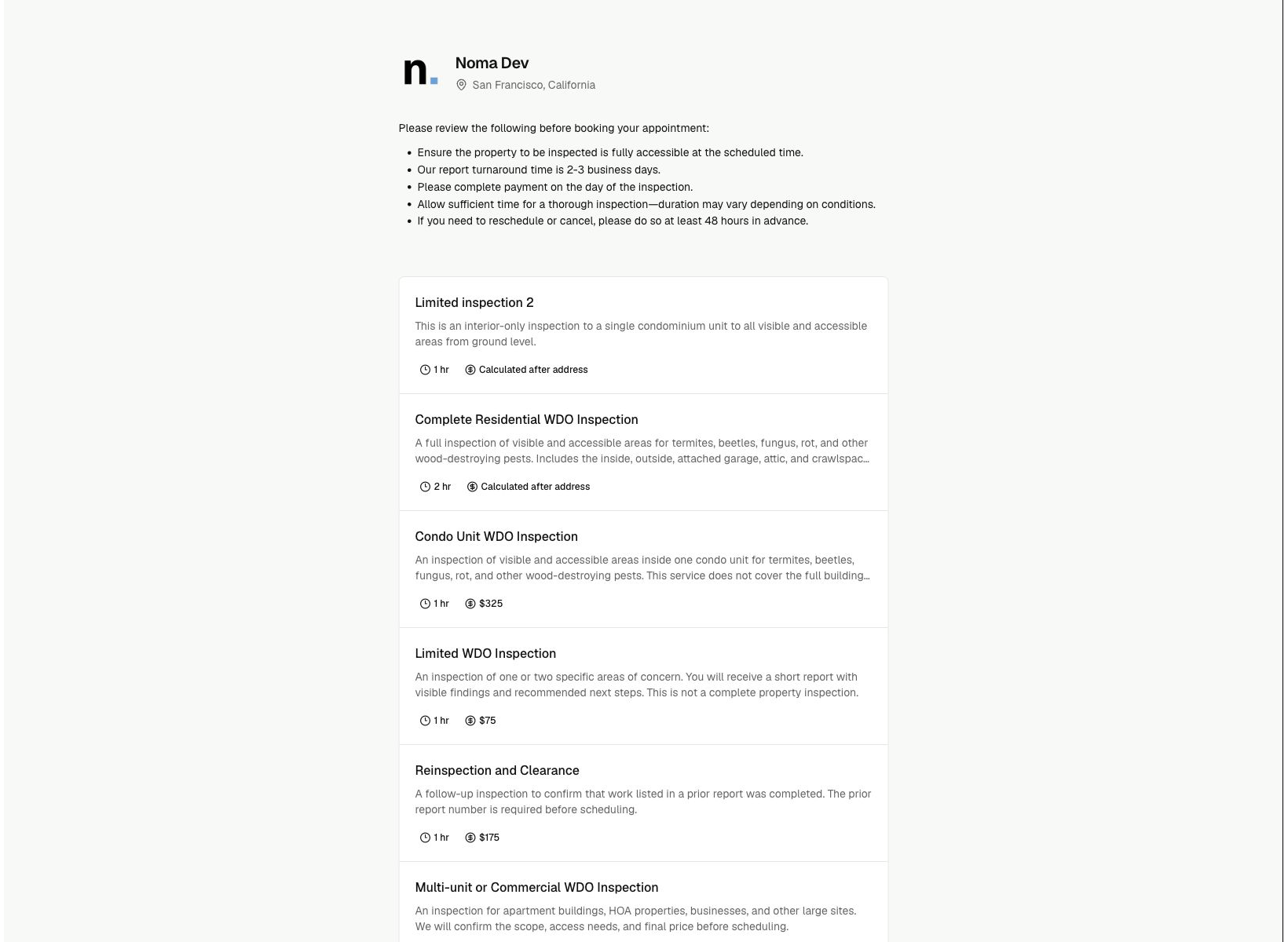
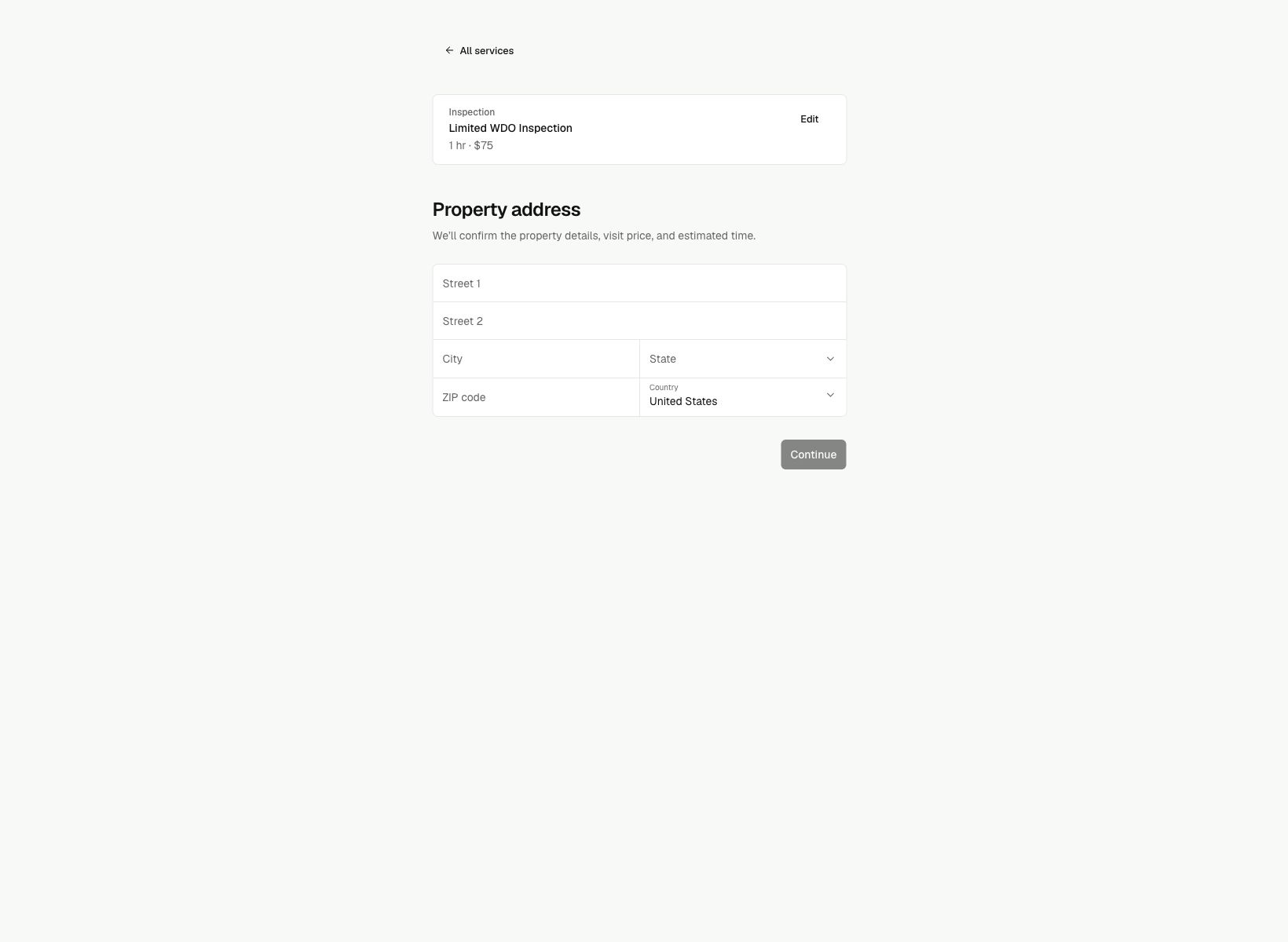
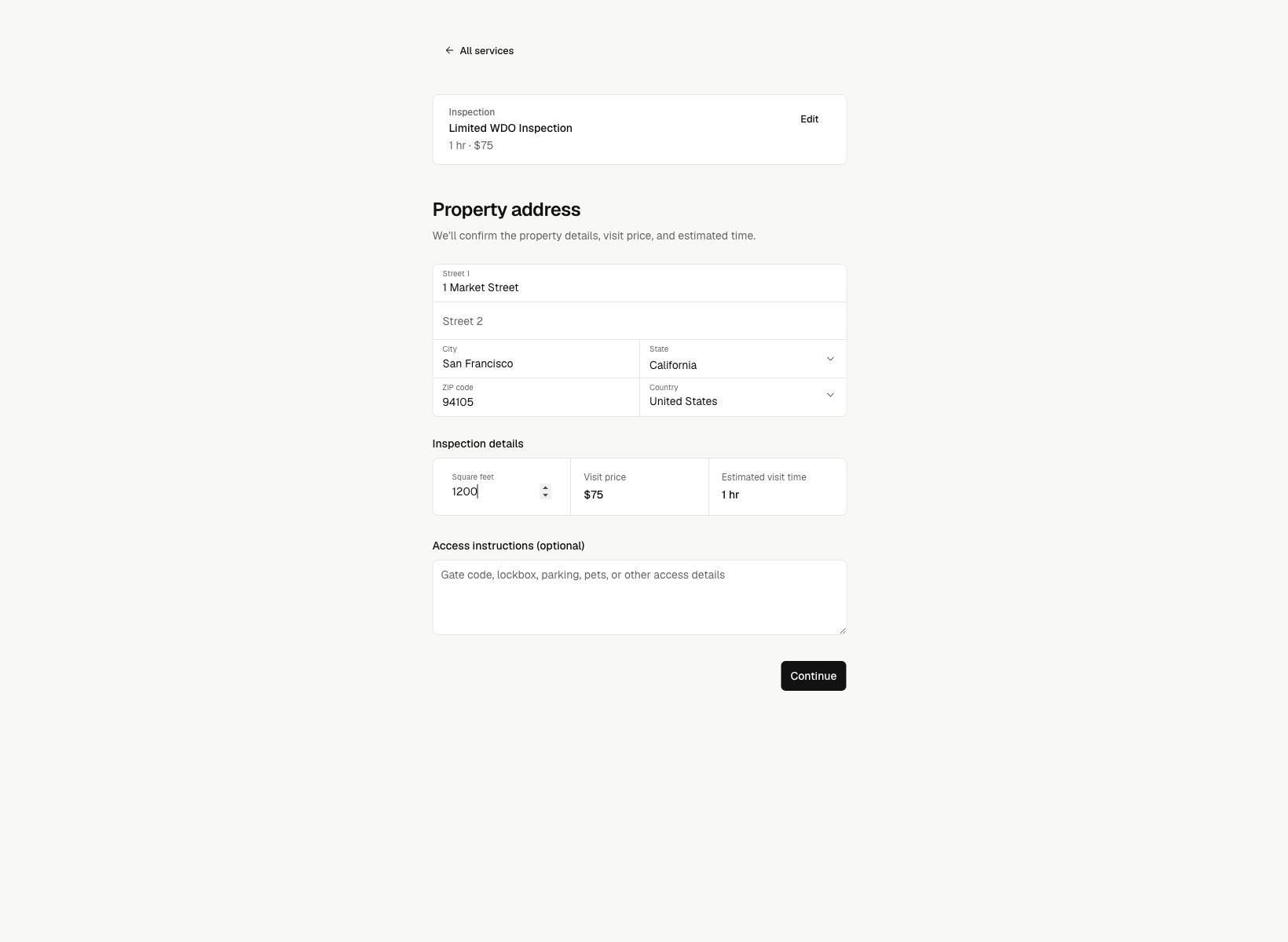
Clients choose services and add-ons, share property details, and pick a time without creating an account.
Keep bookings within your rules
Offer times based on work hours, time off, and booking rules. Noma checks for conflicts before confirming.
Skip the repeat data entry
Turn each booking into the client, property, job, and schedule entry without repeat work.
Your public booking page
Make booking work your way
Set your services, prices, and booking rules. Choose what clients fill out and see after they book, with a preview as you edit.Scheduling that works the way you do
From client booking to team calendars, Noma helps every inspection business shape scheduling around its workflow.
Client booking
Branded booking page
Service selection
Optional add-ons
Booking confirmation
Availability rules
Working hours
Time off
Minimum notice
Time between visits
Team scheduling
Shared calendar
Assign inspectors
Mobile schedule
Job details
Client updates
Confirmation emails
Visit reminders
Calendar invites
Schedule updates
Booking changes
Let clients reschedule
Allow cancellations
Recheck open times
Notify the team
Your services. Your prices. Ready to book.
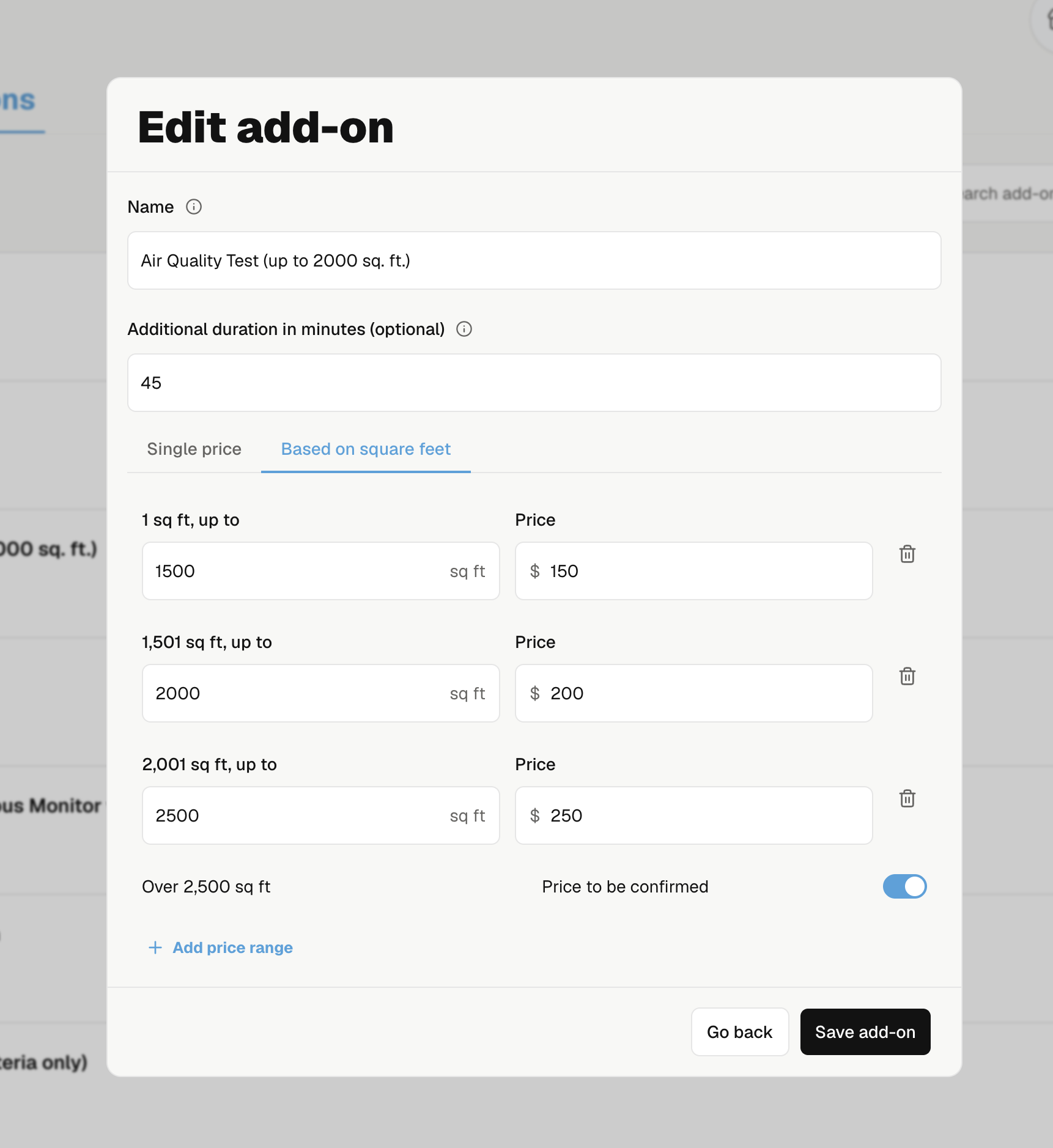
Square-foot pricing
Charge based on the size of the home
Set prices by square-foot range for services and add-ons. Clients see the price for their property when they book.
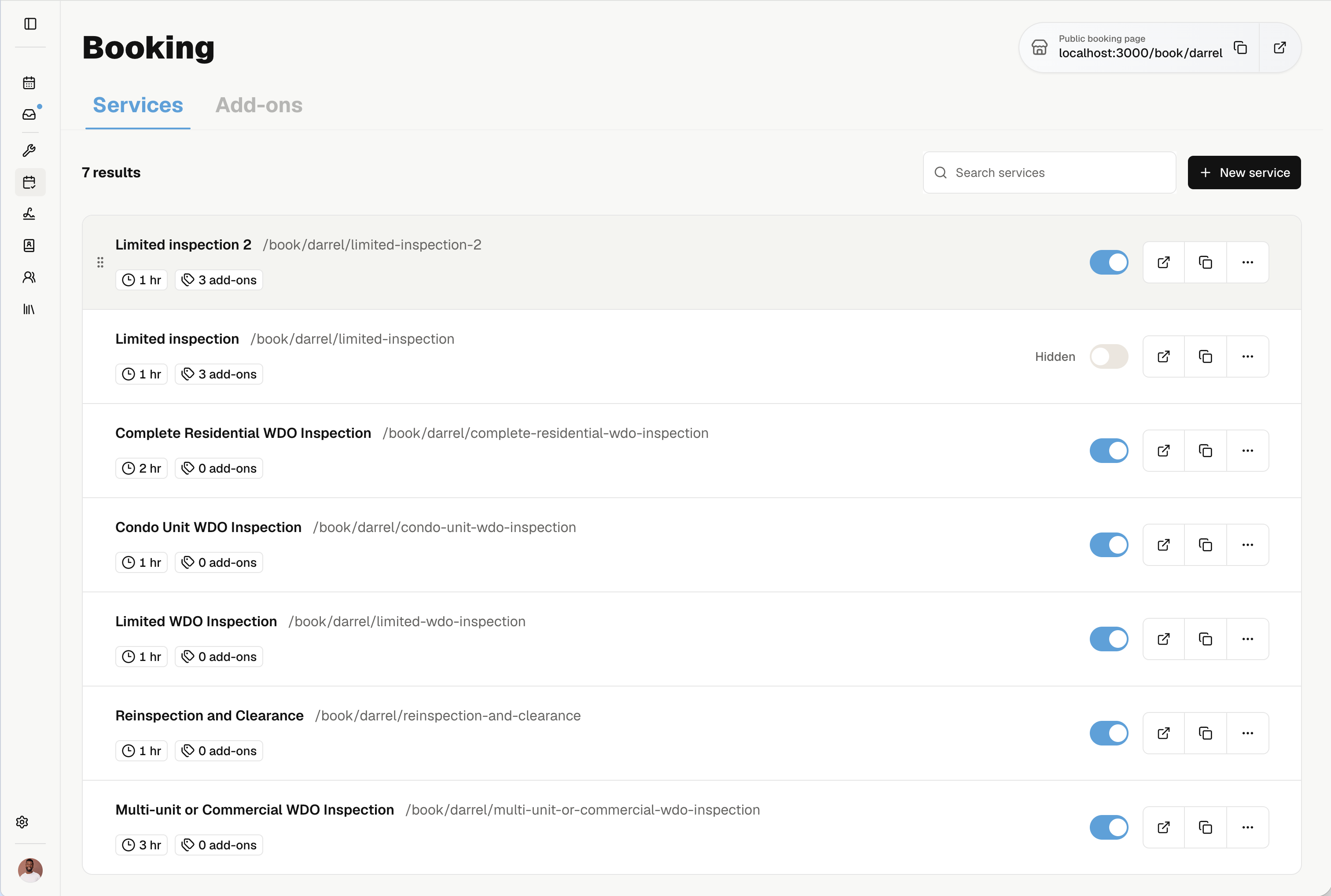
Bookable services
Choose what clients can book
Create your inspection services, set their length, and choose which ones appear on your public booking page.
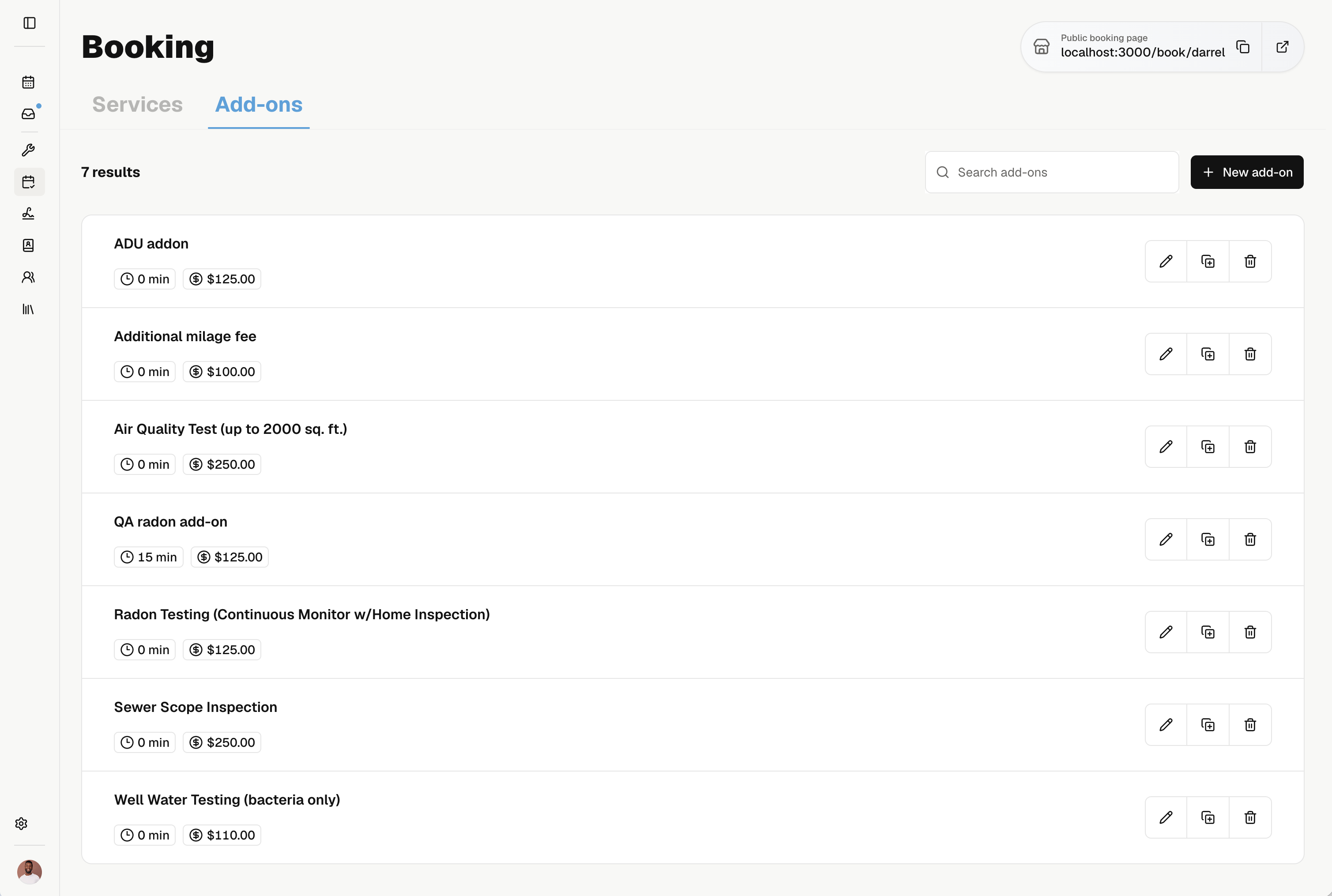
Bookable add-ons
Let clients add more to the visit
Offer extras like radon testing or sewer scopes with each service. Set the added price and time so clients can book them together.

See booking and scheduling in action
See how Noma helps clients book online while your calendar, team, and job details stay in sync.
Get startedExplore Noma features related to booking and scheduling




Frequentlyaskedquestions